
The short answer
If you are wondering what to bring to a blood pressure appointment, the most useful thing is usually a simple, organized record of your home readings rather than a single number recalled from memory. A home blood pressure log is exactly that: a running list of your measurements, ideally with the date and time of each reading, so that a pattern can be seen across days and weeks. With aiBP Lite, the log can start on the device itself. aiBP Lite is an upper-arm blood pressure monitor that measures systolic pressure, diastolic pressure, and pulse rate, and it supports two stored user profiles with 120 memories each, plus a guest measurement mode that does not store readings.
That memory matters for appointments because it lets you bring a set of readings rather than one isolated measurement. If you use the aiCare app, supported blood-pressure data can also be viewed over time through health history and trend summaries, which can make it easier to review what has happened between visits. You can explore those supported health-history views on the official aiCare page: see how aiCare organizes supported health data over time. For the appointment itself, a practical approach is to bring your monitor's stored readings or a written summary of them, note which readings belong to which user profile, and be ready to describe when and how you measured. This article explains what aiBP Lite can help you record, how the two-user design keeps records separate, and where the limits of the technology sit.
What the evidence supports
aiBP Lite is the confirmed AIHNET product name, and it maps to manufacturer model AOJ-33A. It is an upper-arm monitor with a supplied cuff range of 22–42 cm, and its stated display ranges are SYS 57–255 mmHg, DIA 25–195 mmHg, and pulse 40–199 bpm. The manual states pressure accuracy of +/-3 mmHg and pulse-rate accuracy of +/-5%. These are the device's stated specifications, not a promise about what any individual reading will show or what it means for your health.
For a home log, the two-user design is the feature that most directly supports the appointment task. Each of the two stored profiles holds up to 120 memories, so two people sharing one monitor can keep their readings in separate profiles rather than in one mixed list. The guest mode is useful when someone else takes a one-off measurement, because it does not save to memory. When you prepare for an appointment, knowing which profile is yours helps you hand over a clean set of readings instead of a combined history.
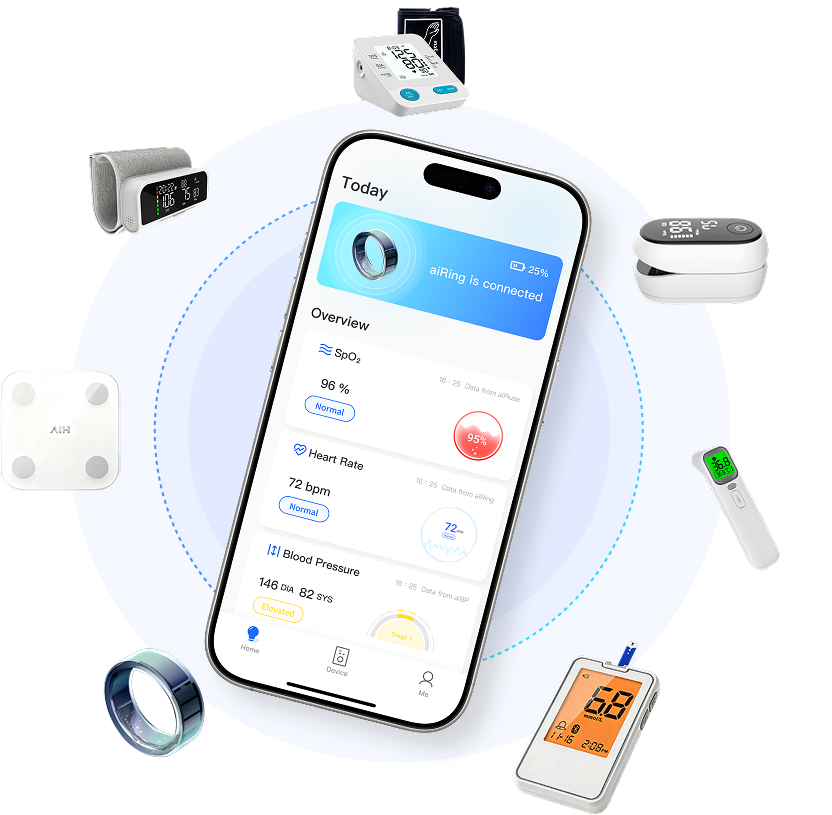
aiBP Lite belongs to the aiCare ecosystem and connects with aiCare through Bluetooth for supported blood-pressure data workflows. In aiCare, supported health information can be organized and viewed over time, including health history and trend summaries. That gives you a second way to review stored readings beyond scrolling through the device itself. The official aiCare page describes this software layer as a place where compatible readings can be brought together so it is easier to follow changes over time, and it notes that aiCare is the software layer of the system rather than another measuring device. You can review those supported views on the official aiCare page.
Practical considerations
The most useful preparation is deciding, before the appointment, which readings you want to discuss and how you will present them. The table below outlines the practical checks that make a home log easier to use in a conversation with a clinician.
| What to check | Why it helps |
|---|---|
| Confirm which user profile holds your readings | Keeps your record separate from another household member's readings in the same monitor |
| Note the date and time of readings where available | Lets a pattern across days be seen rather than a single isolated number |
| Decide whether to bring device readings, an aiCare history view, or a written summary | Gives you a consistent format to discuss instead of recalling numbers from memory |
| Be ready to describe how you measured | Helps the conversation stay grounded in the conditions the readings were taken under |
Limits and responsible use
A home blood pressure log is a record, not an interpretation. aiBP Lite measures and stores readings, and aiCare helps organize and present supported health data over time, but neither establishes what a reading means for you, whether a change is important, or what you should do next. Those questions belong in a conversation with a qualified clinician who can consider your full situation.
It is also worth keeping expectations about the log itself realistic. The device memory holds up to 120 readings per user profile, and the guest mode deliberately does not store readings, so a guest measurement will not appear in your history. If you rely on aiCare to review trends, confirm with product documentation or support which data workflows and views apply to your setup rather than assuming a particular sync or retention behavior. Used as an organized record to bring to an appointment, an aiBP Lite home log can make that conversation more concrete without replacing professional judgment.
For additional context on how supported readings can be reviewed over time, explore the supported health-history views on the official aiCare page. That page is the reference for the software views only; the hardware specifications above remain grounded in confirmed product information.
Frequently Asked Questions
How does aiBP Lite keep two people's blood pressure records separate?
aiBP Lite supports two stored user profiles, each holding up to 120 memories, so two people sharing one monitor can keep their readings in separate profiles instead of one mixed list. The guest mode is for one-off measurements by someone else and does not save to memory. Before an appointment, confirm which profile is yours so you can share a clean set of readings.
What should I bring to a blood pressure appointment if I use aiBP Lite?
Bring an organized set of your home readings rather than a single number recalled from memory. That can mean the readings stored in your aiBP Lite user profile, a written summary of them, or a review of supported blood-pressure history and trend views in aiCare, which the official aiCare page describes as a place to follow changes over time. Note which readings belong to which profile, and be ready to describe when and how you measured. A log is a record to discuss, not an interpretation of what your readings mean.