
What a Temperature Log Is and Why It Helps at an Appointment
A temperature log is a personal record of temperature readings taken over time, with context attached to each entry such as the date, the time of day, and the measurement mode used. It is not a diagnosis and it does not tell you what a reading means. Its practical value is organizational: when you sit down with a clinician, a consistent set of notes can help you describe your own history in an organized way.
If you are preparing for a medical appointment and want to know what to record with aiThermo, the short answer is: capture the date, time, value with its unit, and the measurement mode for every entry, and keep those fields consistent. aiThermo supports forehead and ear infrared body-temperature measurement plus a direct/object mode, so noting which mode produced each reading is part of making the log meaningful. The device's 0.1 C display resolution and C/F unit options mean you can record values as shown, and aiCare can help you view supported readings over time. What the log does not do is interpret those values for you, decide whether anything is wrong, or replace a clinical assessment. Think of it as a record-keeping aid that supports a conversation, not a substitute for one.
What to Record in a Temperature Log
The fields below are the practical minimum for a log that stays useful weeks later. You decide which context notes to add; the goal is consistency rather than completeness for its own sake.
Keeping the same fields in the same order for every entry makes the log easier to scan and review later. This article does not suggest how to interpret the values or what action to take from them; that conversation belongs with a qualified clinician.
Fields to capture for each entry
- Date Record the calendar date so entries can be placed in order and grouped into a date range later.
- Time of day Note when the reading was taken, since entries spread across a day are easier to review in time order.
- Value with unit Write the temperature exactly as displayed, including whether it is in C or F.
- Measurement mode Note whether the reading came from forehead mode, ear mode, or direct/object mode.
- Context note (optional) Add a short note you choose to include, such as recent activity or time since waking.
aiThermo at a Glance: Confirmed Specifications
The table below consolidates the manufacturer-stated specifications for aiThermo so the rest of this guide can focus on the logging task.
| Specification | Confirmed detail |
|---|---|
| Product name | aiThermo |
| Manufacturer model | AOJ-20A |
| Measurement method | Forehead and ear infrared temperature measurement |
| Body-temperature range | 32.0-42.9 C |
| Direct/object mode range | 0-100 C |
| Display resolution | 0.1 C |
| Units | C / F |
| Display | Four-color backlight |
| Stated laboratory accuracy (body mode) | +/-0.2 C |
| Stated laboratory accuracy (direct mode) | +/-1.0 C |
| Wireless | Bluetooth 4.2 (as stated in the supplied manual) |
| Power | Two AAA batteries |
How aiThermo Fits a Simple Logging Routine
Building a log over several days is mostly a matter of repeating the same small steps. For a body-temperature reading, choose forehead or ear mode; for a surface reading, use direct/object mode within its stated range. Note which mode you used, record the value and unit shown on the 0.1 C display, and repeat at times you choose. You decide when and how often to measure; this article does not recommend a measurement schedule or interpret the results.
If you already keep a blood pressure record, the same habits carry over well. Our guide to a home blood pressure log for your next appointment walks through a parallel routine, and you can review aiThermo's confirmed details on the aiThermo product page.
Reviewing and Organizing Your Log with aiCare
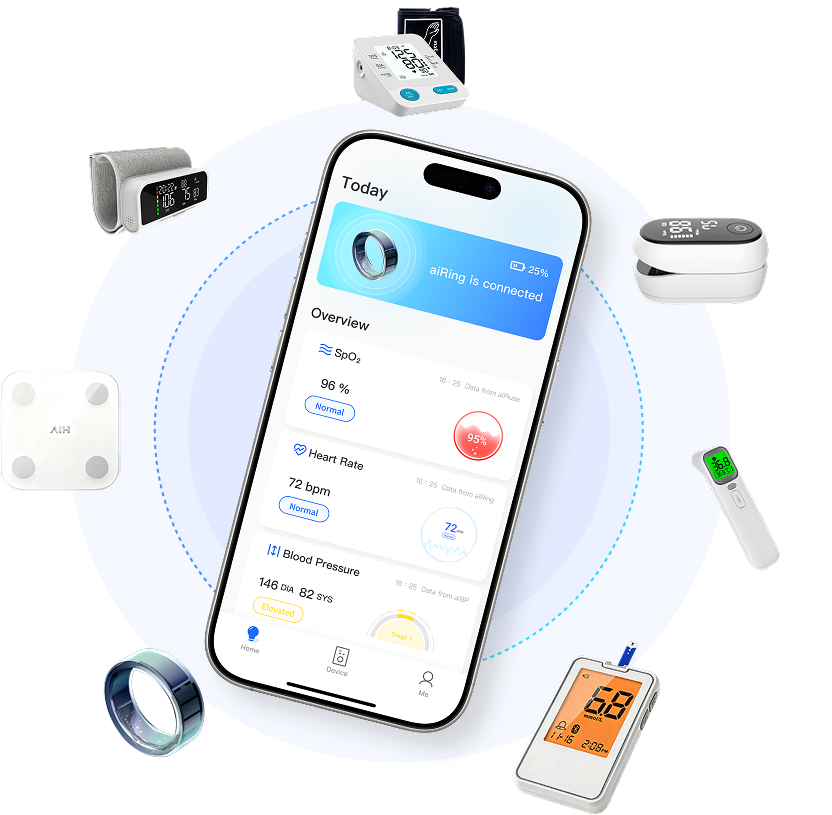
aiThermo connects with aiCare through Bluetooth for supported temperature-data workflows, and aiCare is the software side that helps you organize and view supported health information over time. For supported readings, aiCare provides latest reading by device, device history, day samples, calendar summaries, metric history, and trend summaries. Within aiCare's remote monitoring workflows, authorized providers can review a linked patient's vital-sign history, subject to authorization and patient association.
That makes the review step before an appointment straightforward: look back over the date range you plan to discuss, check that each entry notes its mode and unit, and keep the entries in time order. aiCare helps you view and organize the data; it does not tell you what a trend means for your health, and this article does not claim automatic or background synchronization or exact operating-system compatibility.
Bringing Your Log to the Appointment: A Practical Checklist
A log is most useful when it is easy for someone else to follow. Before the appointment, choose the date range you want to discuss, confirm that the measurement mode and unit are noted for each entry, and arrange entries in time order. Bring both the device-recorded history and any handwritten notes you kept alongside it, and ask your clinician which details are most useful to them.
The log supports a conversation; it does not replace professional assessment. Do not change medication or treatment based on readings alone, and raise any concerns with a qualified clinician.
What a Temperature Log Cannot Tell You
A log records readings, but it does not diagnose a condition, determine treatment, or provide individualized advice. Manufacturer-stated accuracy is not a guarantee that every reading is correct for every user and circumstance. Details such as automatic or background synchronization, reconnection behavior, exact operating-system compatibility, security, privacy, and regulatory status are not confirmed in the supplied documentation and are therefore not claimed here. For those specifics, check the current product documentation or contact support.
Frequently Asked Questions
What should I write down for each temperature reading?
Record the date, the time, the value with its unit (C or F), the measurement mode (forehead, ear, or direct/object), and any context note you choose to add. Keeping the same fields for every entry makes the log easier to review. How you interpret the values is a conversation for a qualified clinician, not something the log decides.
Does aiThermo measure both forehead and ear temperature?
Yes. Confirmed documentation states aiThermo supports forehead and ear infrared body-temperature measurement, with a stated body range of 32.0-42.9 C and a direct/object mode range of 0-100 C. These are manufacturer-stated specifications, not a guarantee of clinical accuracy for every user.
Can I see my past temperature readings in aiCare?
Confirmed service information states that aiCare provides latest reading by device, device history, day samples, calendar summaries, metric history, and trend summaries for supported readings, and that aiThermo connects with aiCare through Bluetooth for supported temperature-data workflows. Automatic or background synchronization, exact operating-system compatibility, and whether trends indicate any health status are not confirmed.
Will bringing a temperature log tell my clinician what is wrong?
No. A log is a record-keeping aid that can help you describe your history during an appointment, but it does not diagnose, determine treatment, or replace clinical assessment. Discuss any concerns with a qualified clinician rather than acting on readings alone.
How accurate is aiThermo?
The supplied manual states laboratory accuracy of +/-0.2 C in body measurement mode and +/-1.0 C in direct mode.