
Introduction
If you are considering aiRing Ultra, you might wonder how it handles data and syncs with your phone. Based on confirmed product information, aiRing Ultra synchronizes data with the AIHNET app via Bluetooth using a manual workflow. This article explains that confirmed workflow in plain language. We will not interpret health measurements or give medical advice; instead, we aim to help you understand the product's everyday behavior.
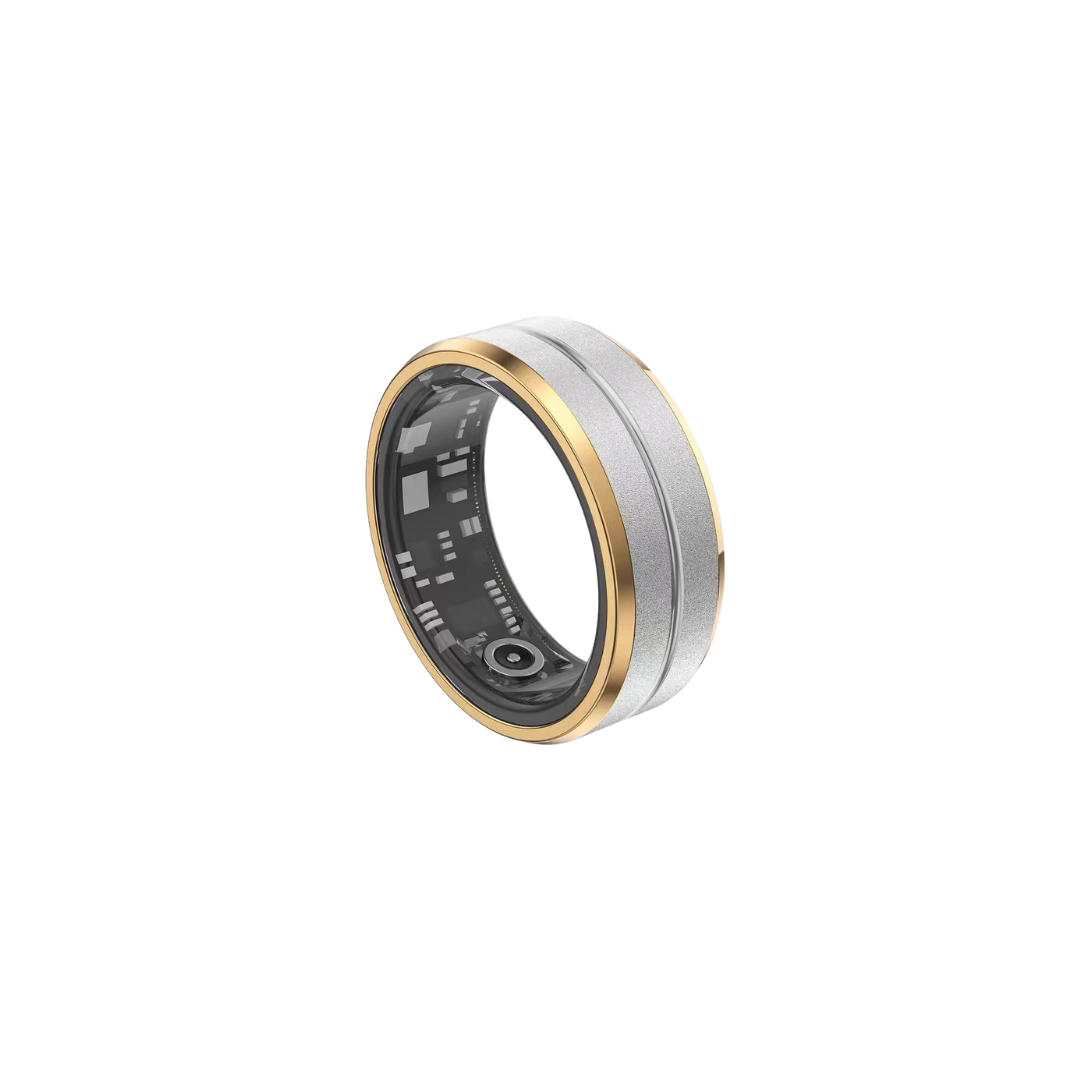
Confirmed Sync Workflow with the AIHNET App
The confirmed method for transferring data from aiRing Ultra to your phone is through the AIHNET mobile app, which is part of the aiCare platform. Here is the general workflow based on the product manual:
First, ensure that your ring is activated by placing it on the powered charging dock. Then, open the AIHNET app on your phone and make sure Bluetooth is enabled. The app will guide you through pairing the ring with your phone. Once paired, you can initiate a sync, and the data stored on the ring will be transferred to the app. This process is described in the manual as pairing aiRing with aiCare through Bluetooth.
What Is Not Confirmed About Storage and Sync
It is important to clarify what is not confirmed about aiRing Ultra. The product's storage capacity, how long data can be stored before syncing, and whether the ring can record data without a continuous connection are not specified in the confirmed product information. Therefore, we cannot provide details on these aspects.
Additionally, the confirmed workflow is manual sync via Bluetooth. There is no confirmed information about automatic background sync, cloud storage, or what happens to data on the ring after a successful sync. We cannot confirm whether data is deleted or retained after transfer.
Practical Tips for Using the Manual Sync Workflow
To use the manual sync workflow effectively, consider these general tips:
Keep your ring charged. The manual states a battery life of 4-6 days, so regular charging helps ensure the ring has power to sync when you need it. Use the magnetic charging dock, and note that a full charge takes no more than 1.5 hours.
When you want to sync, make sure your phone has Bluetooth enabled and the AIHNET app is open. Follow the prompts in the app to complete the sync. Since the process is manual, you need to initiate it each time.
If you miss a sync, you may be able to sync later, but we cannot guarantee that all data will be transferred or that no data will be lost. It is best to sync regularly to keep your data up to date, but this is a general recommendation and not a confirmed product feature.
Frequently Asked Questions
Here are answers to common questions about aiRing Ultra data sync, based on confirmed product information.
Frequently Asked Questions
Does aiRing Ultra store data when it is not connected to my phone?
We cannot confirm whether aiRing Ultra can record and store data without a continuous connection. The confirmed product information does not specify offline storage capabilities. The only confirmed workflow is manual sync via Bluetooth.
How do I sync aiRing Ultra data with the AIHNET app?
To sync, open the AIHNET app on your phone and ensure Bluetooth is enabled. The app will guide you through the pairing and sync process. Follow the on-screen instructions to transfer data from the ring to the app.
Can I sync aiRing Ultra data later if I miss a sync?
We cannot guarantee that all data will sync or that no data will be lost if you miss a sync. It is best to sync regularly to minimize the risk of missing data, but this is a general recommendation and not a confirmed product feature.
Does aiRing Ultra sync data automatically in the background?
No, the confirmed workflow is manual sync via Bluetooth. There is no confirmed information about automatic background sync. You need to initiate each sync through the AIHNET app.
Sources
- Use clinically credible sources during final review, such as peer-reviewed literature, specialty society guidance, or government health resources.