
Choose the Record Path You Actually Use
For aiScale Max, separate the number shown on the scale, the App measurement mode described in the matched international manual, and direct Wi-Fi upload after supported setup. A scale display is not proof that aiCare saved a record.
The table separates what to do and what to verify for each path. Match the exact device, manual and aiCare app release before relying on a workflow; confirmed connectivity documentation does not establish that every consumer app release or market has the complete workflow.
| Path | What the reader does | What to check | What it does not establish |
|---|---|---|---|
| Local scale display | Steps onto the scale with bare feet and stands still until the reading appears on the scale display. | That the scale is powered and the reading is stable on the display; note the date and time of the reading. | A display reading alone is not proof that aiCare saved a record; it does not confirm that any app or account received the measurement. |
| Manual-described Bluetooth/App Quick Measurement mode | Opens the aiCare app scale Quick Measurement page with the scale connected over Bluetooth, views scale data in real time, and lets the app upload after the body-composition measurement. | That the exact model and matched manual describe this App mode, that the app release supports it, and that the scale is bound to the intended account and device. | It does not establish phone-independent upload, and it does not confirm that every market or app release offers this workflow. |
| Configured direct Wi-Fi upload | Completes Bluetooth discovery and provisioning, connects the scale to a 2.4 GHz or mixed 2.4/5 GHz home network, then steps on the scale for each measurement. | That the configured network is 2.4 GHz or mixed 2.4/5 GHz (a pure 5 GHz network is not supported), that the scale is bound to the intended account and device, and that the record actually appears in aiCare rather than being assumed from the display. | It does not establish upload intervals, reconnect behavior, offline catch-up, multi-user routing, or availability in every market and app release. |
What Is aiScale Max?
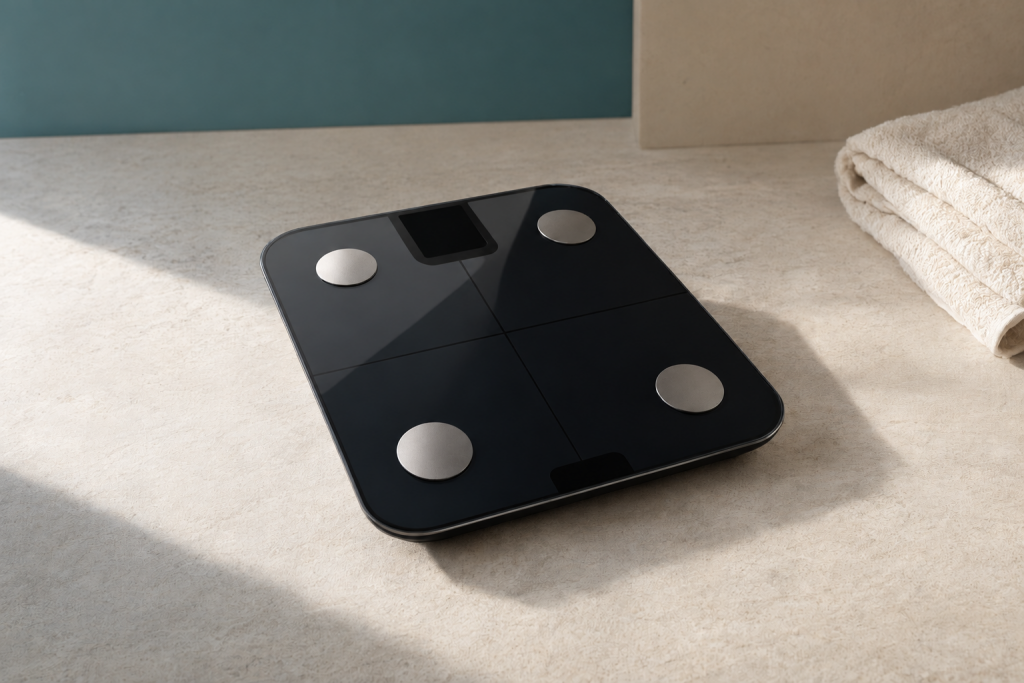
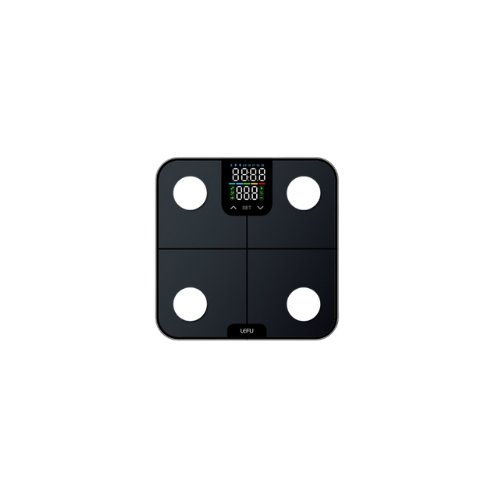
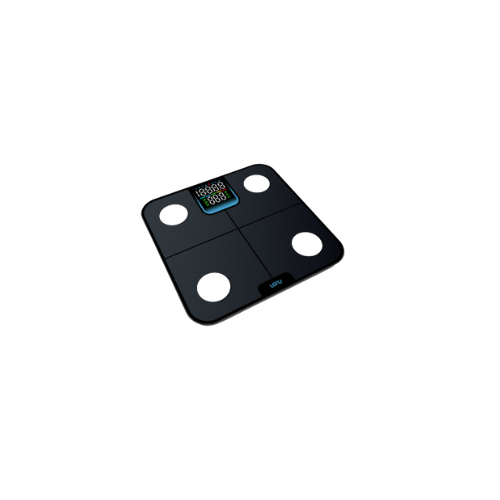
aiScale Max is a smart body composition scale from AIHNET. It measures weight and provides 14 parameters, including BMI, body fat percentage, muscle mass, bone mass, and heart rate, as listed in the product manual. The scale has a weighing range of 0.10–180 kg and a graduation of 0.05 kg below 100 kg and 0.1 kg at or above 100 kg. It uses three AAA alkaline batteries and has a maximum load of 182.5 kg.
How Bluetooth and Wi-Fi Play Different Roles
The confirmed aiScale Max Wi-Fi workflow uses Bluetooth for initial discovery and network provisioning. After supported setup, the device protocol can upload measurements through the configured home Wi-Fi connection without an active phone Bluetooth connection or an open aiCare app for each measurement. This concerns record transfer; it is not a promise about every current app release or market.
The matched international manual also describes opening the scale Quick Measurement page in the App, displaying scale data in real time during measurement, and uploading body-composition data to the App after that measurement finishes. That App-connected measurement path is different from phone-independent Wi-Fi upload. It is therefore misleading to say that no measurements can reach the App without Wi-Fi. Confirm the supported path for your exact model and app release.
Setup Checks Before Relying on Wi-Fi Upload
Use the matched aiScale Max instructions and a compatible aiCare app release. Confirm that you are signed into the intended account and that the intended scale is bound. Follow the app guidance for Bluetooth discovery and provisioning rather than assuming a nearby scale is already connected.
For the confirmed Wi-Fi setup, use a 2.4 GHz or mixed 2.4/5 GHz network; a pure 5 GHz network is not supported. Confirm the path by checking for the actual record in aiCare. This guide does not promise a sync interval, automatic retries, reconnection timing or offline catch-up behavior.
Everyday Measurement and Record Review
The matched manual describes measurement on a dry, level, hard floor and the App Quick Measurement workflow. Follow your exact model instructions and manufacturer restrictions. Before expecting an App record, identify which supported connection path you are using.
Look for the actual reading in the intended aiCare account and device record. A number on the scale, a Wi-Fi indicator or successful device binding alone does not establish that a particular record was saved. The manual lists up to 100 stored history records, excluding small-object weighing, but that storage statement does not by itself prove automatic backfill after a connection failure.
Viewing readings together can help organize a discussion or your own records. It does not explain why body weight changed or validate a body-composition estimate.
What to Check When a Record Is Missing
1. Match the model and manual. Check the exact scale and the instructions that belong to it; Lite and Max should not be assumed to have the same record flow.
2. Identify the intended path. Are you looking only at the scale display, using the manual-described App measurement mode, or relying on provisioned direct Wi-Fi upload? Check the path that is actually supported by your device and app release.
3. Check the destination. Confirm the signed-in aiCare account and the bound device before deciding that a measurement is missing. Do not assume automatic multi-user routing or clinician access.
4. Check the network for the Wi-Fi path. Confirm that the configured network meets the supported 2.4 GHz or mixed-band requirement; this check is not a promise about reconnection or retry timing.
5. Verify the actual record. Look for the relevant reading in aiCare instead of treating the scale display as proof of upload. A connection indicator alone is not a saved record.
6. Prepare a useful support note. Record the measurement date and time, exact model, app release, chosen path and the step that failed. Use these details when contacting product support; repeatedly weighing is not a guaranteed fix for transfer problems.
Documentation Basis
The connection explanation uses the matched aiScale Max international user manual, especially the App connection and measurement instructions on pages 8–9, together with confirmed aiCare connectivity documentation. The manual-described App path and the confirmed direct Wi-Fi path are separate evidence scopes.
These materials support the described workflow, not universal rollout, exact phone or OS compatibility, upload latency, retries, offline retention, measurement validity or health outcomes. A storefront link below is a model-information and navigation link, not independent validation of a connection or measurement-validity claim.
Related Reading and Model Information
For current model information, see aiScale Max. Confirm the matching device and app documentation when a particular transfer workflow matters to your decision.
The aiScale Lite body-weight monitoring guide covers a different model and its record-keeping context. Do not transfer Lite instructions to Max simply because both use aiCare.
Frequently Asked Questions
Can aiScale Max send records to aiCare without Wi-Fi?
The matched international manual describes an App-connected measurement mode with real-time scale data and App upload after body-composition measurement. That is distinct from provisioned direct Wi-Fi upload, so a blanket claim that no App upload is possible without Wi-Fi is misleading. Confirm the path supported by your exact model, manual and app release; this is not a universal rollout guarantee.
Does every measurement require an open phone app?
A standalone scale reading, the manual-described App measurement mode and configured direct Wi-Fi upload are different paths. After supported Wi-Fi setup, the confirmed protocol supports uploading without an active phone Bluetooth connection or open aiCare app for each measurement. Confirm availability for your device and app release, then check the actual aiCare record.
What should I check if a reading is not in aiCare?
Match the model and manual, identify the intended connection path, confirm the account and bound device, and check the supported network band if using Wi-Fi. Verify the actual record rather than assuming upload from the display. Note the date, time, app release and failed step for product support; do not assume a retry schedule or offline catch-up guarantee.