
Proper heart rate sensor calibration ensures the data from wearable devices is accurate, reliable, and actionable. Miscalibrated sensors can lead to incorrect readings, which may result in poor health decisions, missed warning signs of conditions like bradycardia or tachycardia, and ineffective fitness training.
Key Takeaways:
- Types of Sensors: Wearables use PPG (light-based) or ECG (electrical activity-based) sensors. PPG is convenient for daily use, while ECG offers higher accuracy.
- Calibration Issues: Factors like motion, skin contact, or sensor drift can cause errors, especially during rapid heart rate changes.
- Health Risks: Inaccurate readings may mislead users about exercise intensity or overlook serious health concerns.
- Best Practices: Proper placement, regular cleaning, and following manufacturer instructions help maintain sensor accuracy.
- Advanced Solutions: Devices like AIH LLC‘s aiRing use automated calibration and AI to deliver consistently precise data.
Accurate calibration transforms raw data into actionable insights, whether for fitness tracking or managing health conditions.
Garmin Watch Heart Rate Monitor Woes: Uncovering the Accuracy Dilemma
sbb-itb-44aa802
Why Calibration Is Necessary for Accurate Health Data
To ensure reliable health data, it’s essential to understand how sensor drift and variability influence device performance over time.
How Device Drift and Variability Affect Performance
Over time, sensor drift – a gradual change in how sensors interpret physiological signals – reduces the accuracy of wearable devices. Add to this the manufacturing differences between units, and even two identical models can produce slightly different readings straight out of the box. Without proper calibration, these discrepancies grow, making it harder to trust the data for monitoring health trends or managing chronic conditions.
This issue becomes even more noticeable during rapid heart rate changes, such as when transitioning into or out of exercise. In October 2025, researchers at KU Leuven tested seven popular wearable devices, including the Fitbit Charge 5, Garmin Vivosmart 4, and WHOOP 4.0, against a gold-standard 12-lead ECG. The study involved a 20-minute dynamic protocol with 24 participants. While the Fitbit Charge 5 and Sense 2 delivered the most accurate overall results, all wrist-worn devices struggled during rapid heart rate fluctuations. The only device that maintained consistent accuracy in these conditions was the research-grade Zephyr BioHarness 3.0 chest strap. These performance drops highlight the risks of relying on uncalibrated devices for critical health metrics.
Risks of Incorrect Heart Rate Readings
Inaccurate heart rate data can do more harm than good. As Robbie Deckard, a researcher and writer for Triathlete.com, explains:
"Having an HRM that misreads is worse than having no HRM at all. If you’re meant to run one hour at 130 beats per minute (BPM) but you unknowingly run at 160 BPM, your training session will miss the mark entirely".
For those managing chronic health conditions, the stakes are even higher. Misleading readings can cause you to overlook early signs of serious issues like bradycardia (heart rate under 60 bpm) or tachycardia (heart rate over 100 bpm at rest) – both of which require medical attention. Poorly calibrated devices also compromise clinical metrics like Oxygen Pulse (VO2 divided by heart rate), a key measure of cardiovascular efficiency. This can lead to flawed treatment decisions, putting the user’s health at risk.
Clinical Standards for Sensor Validation
To address these challenges, devices must adhere to rigorous clinical validation standards. The American National Standards Institute (ANSI) mandates that cardiac monitors must have a readout error of no more than ±10% of the input rate or ±5 bpm, whichever is greater. Meeting these benchmarks ensures that calibration efforts result in more dependable health data.
The most reliable way to confirm accuracy is by comparing your device against clinical-grade equipment, such as a 12-lead ECG or high-quality chest straps like the Polar H9. Research also shows that using post-calibration models, like rolling windows, can significantly improve accuracy – reducing the Mean Absolute Error (MAE) by 33.44% in resting states and 18.73% across various activity levels. These improvements underscore why calibration isn’t just a technical step – it’s a critical process for ensuring that your health data holds real value.
How to Calibrate Heart Rate Sensors
Getting accurate readings from your heart rate sensor starts with proper placement and preparation. For optical sensors worn on the wrist or finger, position matters. Place the sensor about one finger-width above your wrist bone, where blood flow is strongest. Make sure it fits snugly – tight enough to stay in place but not so tight that it cuts off circulation.
Chest straps, on the other hand, work by detecting your heart’s electrical signals instead of blood flow. To ensure these monitors function correctly, moisten the electrode patches before use. As KORR Medical Technologies emphasizes:
"The quality of your heart rate data depends on consistent electrode contact with the skin. Before placing any heart rate monitor, ensure the contact area is clean and dry".
Clean, dry skin combined with properly moistened electrodes ensures a solid electrical connection, which is critical for accurate data.
Following Manufacturer Calibration Instructions
Each type of heart rate monitor may have unique calibration requirements. Following the manufacturer’s instructions is crucial to ensure accuracy. For example, many GPS-enabled smartwatches require a 20-minute outdoor walk or run at your typical pace to calibrate their accelerometers. Make sure Location Services and Motion Calibration are activated on your smartphone. Choose a flat, open area with clear skies, and double-check that your personal details – like height, weight, gender, and age – are correctly entered.
For health bands that measure both blood pressure and heart rate, calibration might need to happen more often. Some devices recommend recalibration twice daily – once in the morning and once in the evening – or whenever prompted by their app. Before calibrating, avoid caffeine, smoking, alcohol, or strenuous activity for at least 30 minutes. Sit with your back supported, feet flat on the floor, and rest quietly for five minutes. Stay still during the measurement. If calibration doesn’t work, wait a couple of hours before trying again to let your body settle.
These steps are essential for ensuring your sensor remains accurate during daily use.
How Often to Calibrate Your Sensor
Most modern optical sensors handle calibration automatically by adjusting to changes in blood volume. However, it’s still a good idea to allow the device a brief warm-up period before starting a workout to filter out any initial noise. According to SlateSafety:
"PPG Heart Rate sensors do not require calibration… heart rate sensors perform continuous automatic zero calibration (removing the offset)".
For chest straps, preparation is key every time you use them. Lightly moisten the electrode patches with water or gel to maintain a strong signal throughout your session. Additionally, clean the optical sensor lens with water before and after workouts – steer clear of alcohol or harsh chemicals to avoid damaging the hardware. If your device relies on manual calibration, be consistent. Perform measurements at the same time each day, and recalibrate if conditions like extreme cold affect blood flow.
Best Practices for Maintaining Sensor Performance
Taking care of your sensors and reducing outside interference are key to keeping them working at their best.
Correct Sensor Placement and Care
For chest straps, position the strap just below your pectoral muscles or sternum, ensuring it’s centered on your chest. The strap must be in direct contact with your skin – clothing can block the electrical signals these monitors depend on. To maintain signal quality, moisten the electrode patches with water or conductive gel before each workout. After exercising, rinse the strap with fresh water to remove sweat and salt, which can damage the connection points. As Morpheus points out:
"Sweat contains salt and oils that can corrode connection points and block electrical contact. Regular rinsing removes this barrier."
For wrist devices, wear them one to two finger widths above your wrist bone, closer to your elbow. This placement ensures the sensor sits over tissue with steady blood flow. Make sure the band is snug enough to stay in place but not so tight that it cuts off circulation. For armbands, place the sensor on your upper arm, between the bicep and deltoid muscles, ideally on the outer bicep.
Clean your chest strap every three to five uses, or weekly. Some manufacturers suggest machine washing at 30°C (86°F), while others recommend hand-washing with mild dish soap to avoid damage from heat or agitation. Always air-dry the strap; using a tumble dryer can harm the elastic and electrodes. Most manufacturers also recommend replacing the strap every 12 to 18 months since conductive fibers can degrade over time due to salt buildup and stretching.
These steps help prepare your sensors for optimal performance by reducing outside interference.
Reducing Environmental Interference
Once your sensor is properly placed, you’ll want to address environmental factors that could affect its performance. For instance, cold weather can cause blood vessels to constrict, reducing blood flow to your wrists and making it harder for optical sensors to detect your pulse. To counteract this, wear gloves and make sure to warm up thoroughly before beginning your workout. In dry conditions, moisten the outside of your chest strap to reduce static, which can lead to erratic readings.
Motion interference is another common issue, especially during high-intensity activities. For example, running can cause "cadence lock", where the sensor mistakes repetitive arm movements for a heartbeat. Similarly, gripping weights during strength training can cause muscle flexion and restrict blood flow, leading to inaccurate readings from wrist sensors. To address this, make sure your strap is secure, and if your device has an "Interval Training" mode, use it to improve sensitivity to rapid heart rate changes.
Sweat can also interfere with sensor accuracy by creating a barrier between your skin and the device. If this happens during a long workout, briefly remove your device to wipe away sweat from both your skin and the sensor. Additionally, tattoos can absorb the light emitted by optical sensors, so if you have tattoos on your wrist or upper arm, try positioning the sensor on a non-tattooed area.
Using Apps to Monitor Data Quality
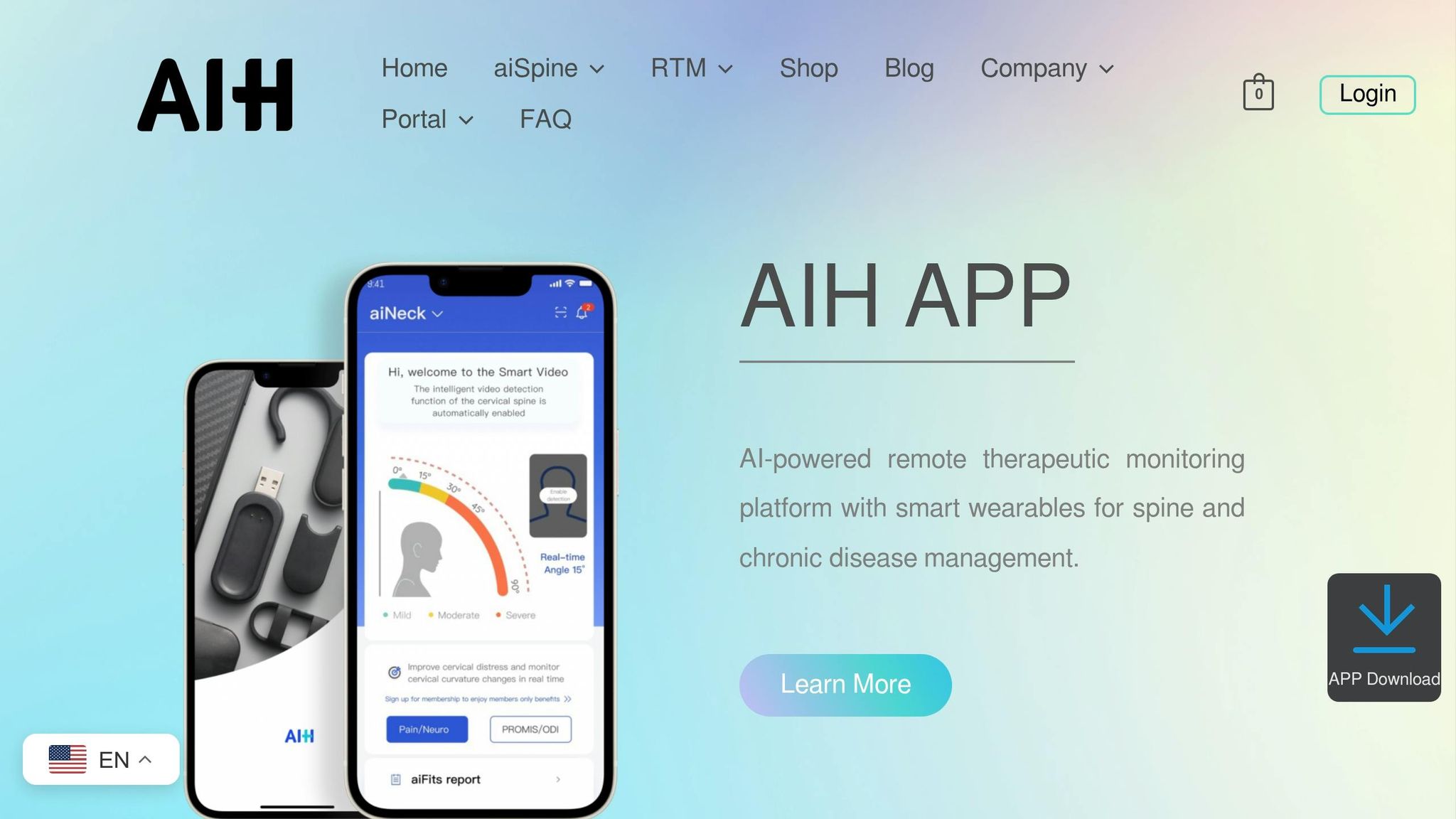
Pairing proper sensor care with digital tools can help ensure accurate performance. Many health apps allow you to monitor data quality in real time and detect potential issues. For example, the AIH Health App, designed for AIH LLC’s aiRing vital signs monitoring ring, offers real-time tracking and personalized feedback to keep your readings consistent. The app can alert you to problems like the need for cleaning, repositioning, or recalibration.
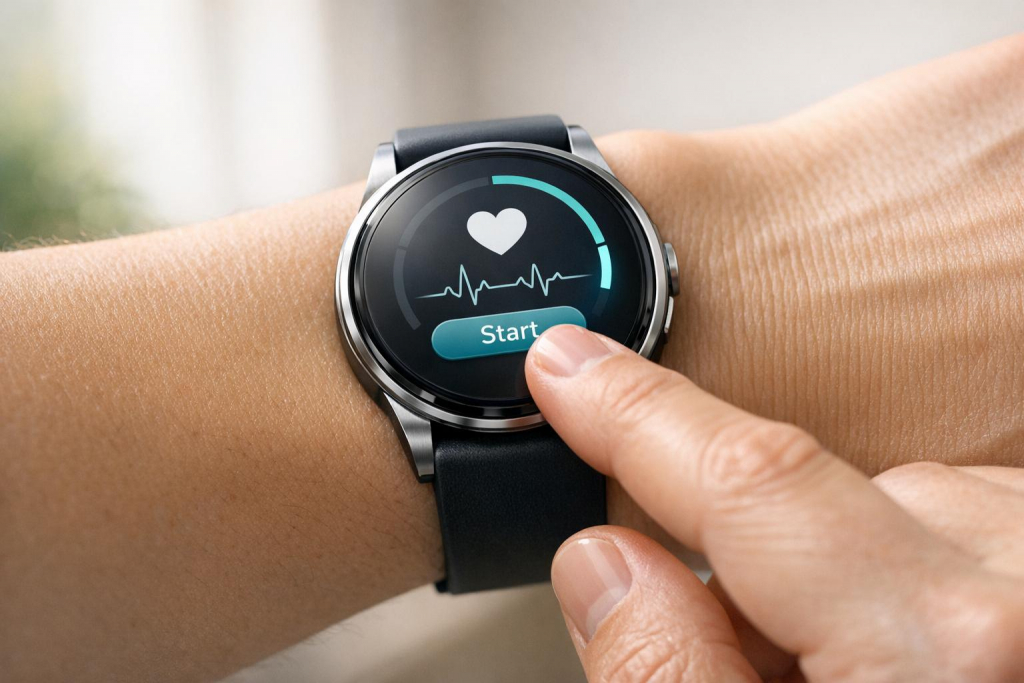
Before starting your workout, wait on the activity "Start" page until your device shows a stable heart rate icon. This short wait helps the sensor filter out initial noise and establish a reliable connection. To protect your sensor, avoid using alcohol or harsh chemicals during cleaning.
How AIH LLC Improves Calibration with aiRing
Calibrated vs Uncalibrated Heart Rate Sensors Performance Comparison
AIH LLC’s aiRing takes data quality to the next level by integrating advanced calibration techniques powered by AI. This device is designed to simplify the process, using automation to ensure consistent accuracy with minimal effort from the user. By automating calibration, aiRing delivers dependable data every time.
aiRing’s Precision Sensors and AI Technology
At the heart of aiRing is its use of universal time-series modeling, leveraging foundation models like UniTS. These models adapt to your unique physiological and behavioral patterns, creating a personalized baseline rather than relying on one-size-fits-all averages. To fine-tune its accuracy, aiRing also incorporates contextual data such as respiration rate, activity levels, and environmental factors like CO₂ levels and temperature. This helps the device distinguish between normal fluctuations and actual anomalies.
One standout feature is the Dynamic Automatic Background Calibration Logic (ABC Logic), which continuously self-corrects for sensor drift. The device’s on-board microprocessors analyze up to 14 days of historical data to adjust for subtle shifts in sensor output caused by environmental factors or the natural aging of components.
App-Supported Calibration for Easy Use
The AIH Health App makes calibration straightforward by automating complex processes. The app runs calibration sequences that smooth out erratic initial readings, using personal metrics – like your age and resting heart rate – to calculate Maximum Heart Rate (HRMAX) and Heart Rate Reserve (HRR). These calculations help establish training zones tailored to your physiology.
The app also keeps your aiRing up to date with software updates that improve sensor accuracy, address bugs, and enhance optical heart rate measurement over time. Together, these automated features complement the device’s advanced sensor technology.
Advantages of Calibrating aiRing Sensors
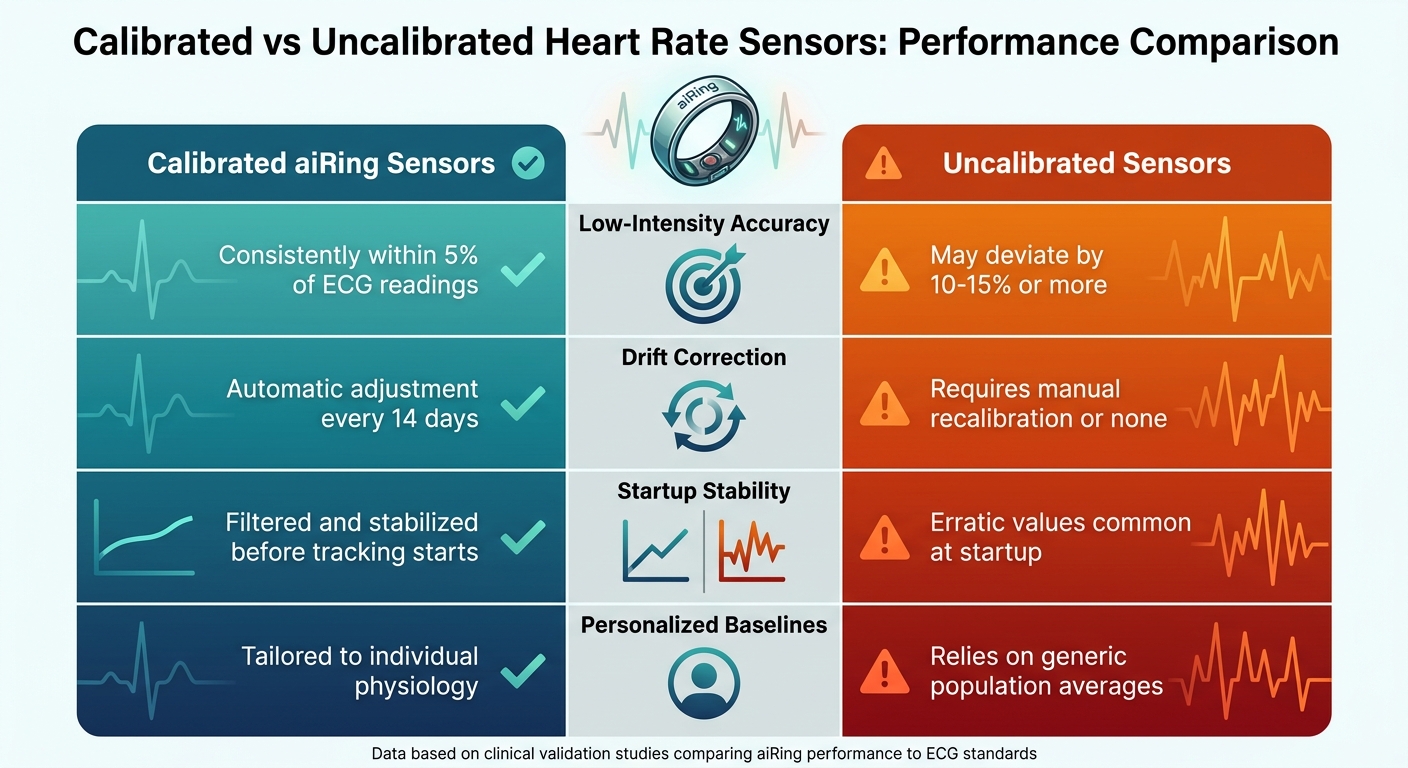
The cutting-edge calibration techniques built into aiRing result in tangible performance gains. For example, the device’s wrist-based optical heart rate measurements maintain accuracy within 5% of chest-based readings about 90% of the time. The table below highlights the key differences between calibrated and uncalibrated sensors:
| Performance Metric | Calibrated aiRing Sensors | Uncalibrated Sensors |
|---|---|---|
| Low-Intensity Accuracy | Consistently within 5% of ECG readings | May deviate by 10–15% or more |
| Drift Correction | Automatic adjustment every 14 days | Requires manual recalibration or none |
| Startup Stability | Filtered and stabilized before tracking starts | Erratic values common at startup |
| Personalized Baselines | Tailored to individual physiology | Relies on generic population averages |
Conclusion
Calibration plays a key role in ensuring health data is trustworthy. Experts often compare relying on poorly calibrated sensor signals to building a house on unstable ground – it’s a risky foundation. Without proper calibration, health metrics can become unreliable, potentially leading to overtraining, misreading stress levels, or missing early signs of health concerns.
Take chronic disease management as an example. A sudden spike in resting heart rate might prompt immediate medical attention, but only if the baseline data is accurate. This underscores why precise sensor calibration is so critical for monitoring long-term health trends.
AIH LLC’s aiRing addresses this challenge by using continuous automatic calibration. This technology adjusts for sensor drift and motion artifacts, ensuring the data remains accurate and tailored to the individual. During low-motion periods, the measurements approach clinical-grade accuracy, demonstrating how calibration directly influences health outcomes.
Accurate calibration turns raw data into actionable insights. Whether you’re tracking fitness goals, managing a chronic condition, or simply keeping an eye on your daily wellness, calibrated sensors make the difference. With tools like the AIH Health App paired with aiRing, making informed health decisions becomes not just possible but practical.
FAQs
How can I tell if my heart rate sensor is drifting?
You might notice heart rate sensor drift if the readings seem inconsistent, fluctuate without reason, or don’t match your activity level – this is especially noticeable during rest or light activity. Possible causes include motion, skin tone, or an ill-fitting sensor. To get more reliable results, make sure the sensor is properly placed and fits well, and try to limit movement while taking measurements.
When should I use an ECG or chest strap to verify my readings?
When you need highly accurate heart rate data – like during intense workouts or for medical monitoring – consider using an ECG device or a chest strap. These tools measure electrical signals directly, offering greater precision compared to wrist wearables, which use optical sensors. This makes them a more reliable choice in situations where accuracy is essential.
What’s the fastest way to fix bad heart rate readings during workouts?
To address inaccurate heart rate readings during workouts, start by ensuring your monitor or strap fits securely and is properly positioned on your chest or wrist. Clean the sensors to improve skin contact and reduce errors. Also, check for any potential interference from nearby devices. Updating the firmware and recalibrating the sensor can further refine accuracy. These adjustments often resolve the problem and improve your workout tracking.